
From Human Error to Reliable Systems: Automations that Minimize Mistakes and Compliance Risk
3 rugsėjo, 2025 · Martynas Vizbaras · 4 min read
Key Takeaways
- Most “human error” is system error—remove copy-paste, retyping, and memory-based steps.
- Build a defect containment loop: Validate → Sync → Alert → Log.
- Use automation to close gaps that cause miskeyed data, missed follow-ups, and version drift.
- Design GDPR-friendly workflows from day one: least privilege, data minimisation, and audit trails.
- Start with high-risk handoffs; pilot, measure defects prevented, then scale.
Why errors happen (and keep happening)
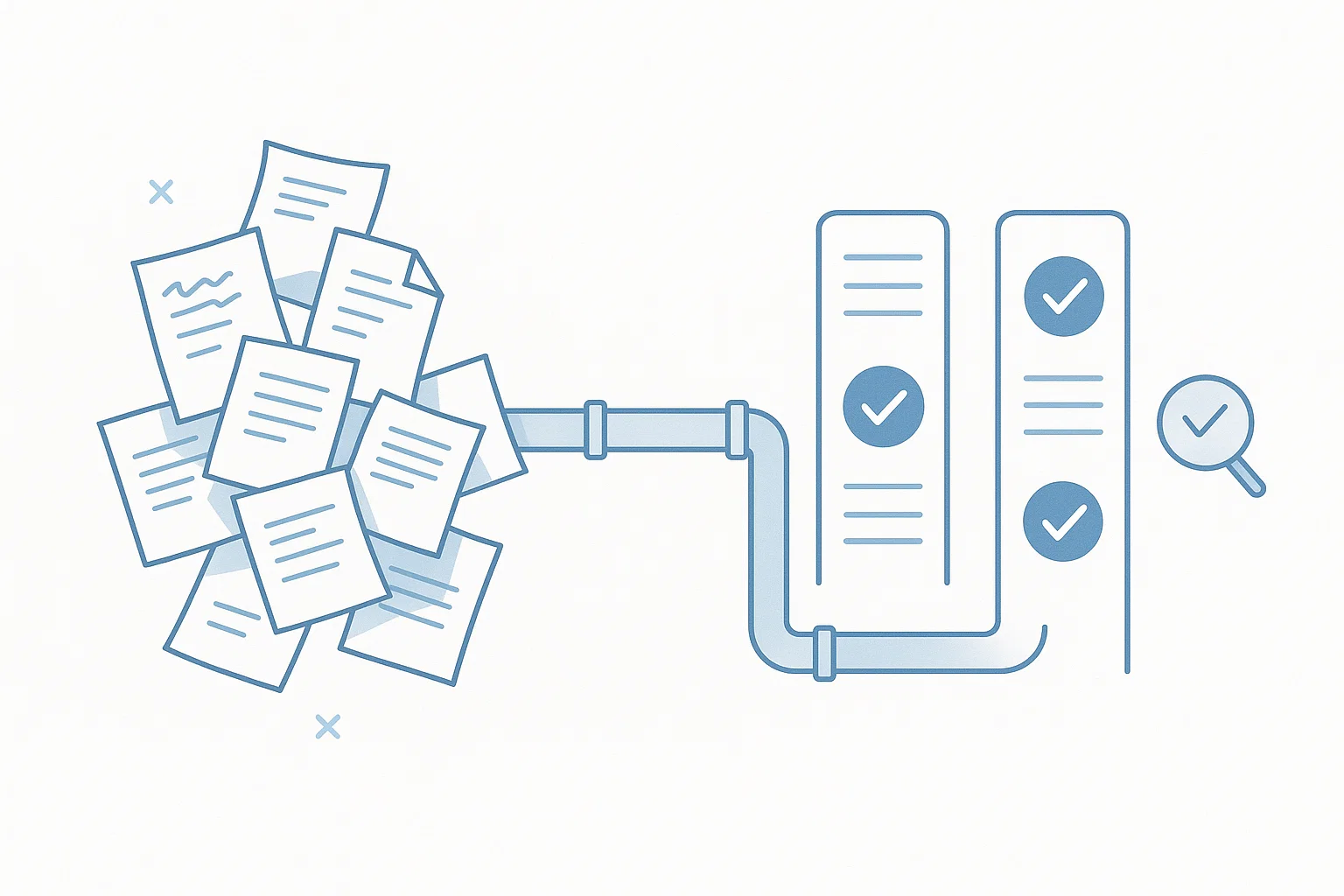
People aren’t the problem; fragile processes are. When a process depends on spreadsheets, email forwards, and tribal knowledge, four failure modes appear: copy-paste between tools, miskeyed fields under time pressure, follow-ups that rely on memory, and version drift across documents and systems. The fix is not more training—it’s better rails.
The defect containment loop
Every reliable workflow should include this loop:
- Validate: Check inputs at the point of capture. Example: VAT formats, required fields, reference numbers, document type, attachment presence.
- Sync: Write once, propagate many. Update the canonical record (CRM/ERP/HRIS) and mirror to dependent systems using IDs, not names.
- Alert: If a rule fails or a step stalls, notify the owner with context and a single-click action to fix or escalate.
- Log: Record who/what/when/why for every automated decision. Keep retention sensible. This creates your audit trail and simplifies root-cause analysis.
Run this loop on every handoff and your defect rate collapses without adding headcount.
Automation patterns that kill common errors
1) Input hardening for master data
Use forms or portals that validate company name, VAT ID, bank IBAN, and contact emails at entry. Auto-create or update the organisation in CRM and ERP with a single source of truth. No more free-text fields that drift.
2) Contract → order without version drift
When a contract is signed (eIDAS-ready), parse the signed PDF for product, price, and term; then create the order and lock the contract version. Any subsequent change requires an amendment—not an email thread. Store hashes and metadata so the system can prove which version was used.
3) PO, delivery, invoice: automatic 2-/3-way match
Compare quantities, prices, and tax between PO, goods receipt, and invoice. Set tolerances; auto-approve in-bounds; route exceptions with the exact mismatched lines. This cuts miskeyed postings and removes “I thought someone else checked it.”
4) SLA-aware follow-ups
Create reminders that trigger on data, not calendars: “no response 48h after quote,” “missing GRN 24h after delivery,” or “policy attestation not signed after 7 days.” Escalate automatically and log every nudge.
5) Template governance for documents
Serve only approved templates (policies, SoWs, NDAs) from a central library. Stamp each exported file with template version, date, and signer. Populate variables from the record to avoid retyping—no more outdated footers or wrong legal entities.
6) Role-based access with least privilege
Provision access from role definitions, not one-offs. New role → predefined permissions and data scopes. Offboarding revokes everything in one action. Keep an immutable log of access changes. (This supports GDPR principles without being legal advice.)
7) Cross-system sync with conflict rules
Map IDs across CRM/ERP/helpdesk. Define authority per field (e.g., billing address from ERP wins). Use retries with backoff and a quarantine queue for conflicted records so bad data never spreads silently.
8) Front-door intake for changes
Stop ad-hoc emails. Use change request forms for bank details, company info, or product changes. Validate, get approvals, then write to systems. Your audit trail now shows who requested what, when, and how it was verified.
GDPR-friendly by design
- Data minimisation: collect only what the process needs; set retention and deletion jobs.
- Least privilege: roles determine data access; sensitive fields masked in logs.
- Audit trails: event logs for validations, syncs, alerts, overrides, and approvals.
This is operational guidance, not legal advice—consult your counsel for policy decisions.
10-point error-proofing checklist
- Every intake point validates required fields and formats.
- Single source of truth defined per entity (customer, supplier, product).
- Field-level ownership and conflict rules documented.
- Automated follow-ups tied to events and SLAs, not calendars.
- Approved template library with version stamping.
- eIDAS-ready signature flow for approvals and contracts.
- Role-based access (least privilege) with automatic offboarding.
- Quarantine queue for sync failures; nothing fails silently.
- Immutable, searchable logs with retention and masking of sensitive data.
- Monthly defect review: measure prevented errors, not just fixed ones.
Ready to turn errors into non-events?
Augantio helps Lithuanian SMEs design reliability into workflows—so mistakes can’t sneak in and audits are boring. Let’s apply the defect containment loop where it matters most.